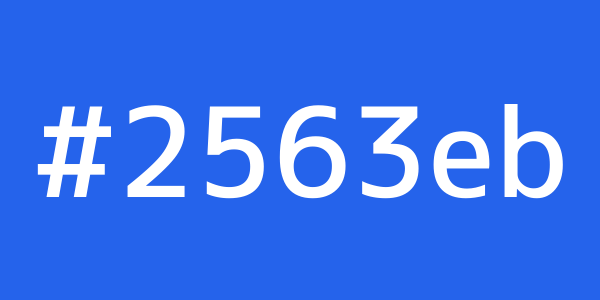
Which colour format to use
- HEX (
#2563eb): the most compact, and what Figma and almost every design tool exports. With 8 digits it carries transparency:#2563eb80is the same blue at 50%. - RGB (
rgb(37, 99, 235)): the same three channels in decimal. Handy when you need the transparency separately, inrgba(). - HSL (
hsl(221, 83%, 53%)): hue, saturation and lightness. Easy to tweak by hand: for a darker shade of the same colour, lower only the last value. - OKLCH (
oklch(54.6% 0.215 262.9)): lightness, chroma and hue in a perceptually uniform space. Two colours with the same L look equally light, which isn’t true in HSL.
Why OKLCH is in fashion
In HSL, a yellow and a blue at 50% lightness look nothing alike in brightness. In OKLCH they do, which lets
you build consistent colour scales (100, 200… 900) by changing only L, and gradients without the grey patch in the
middle. It can also describe colours more vivid than sRGB for P3 displays; when that happens, the tool warns you and
shows the closest representable colour in HEX and RGB. Every current browser understands oklch().
Colours in ximg.es URLs
The placeholder generator takes the background and text colours in the URL itself, in hexadecimal
without the hash: /600x300/2563eb/fff. It accepts 3, 4, 6 and 8 digits (4 and 8 carry transparency in PNG,
WebP and AVIF), the 1- and 2-digit shortcuts (c is cccccc) and the 148 CSS names:
/600x300/tomato/white. The converter’s last row gives you the URL with white or black text, whichever has
the better contrast.
CSS colour names
CSS has 148 names, from aliceblue to yellowgreen. If the colour has no name of its own, the
tool finds the one that looks closest (distance is measured in OKLab, not RGB), which is handy for naming variables or
describing a colour in conversation.